Install as a desktop app
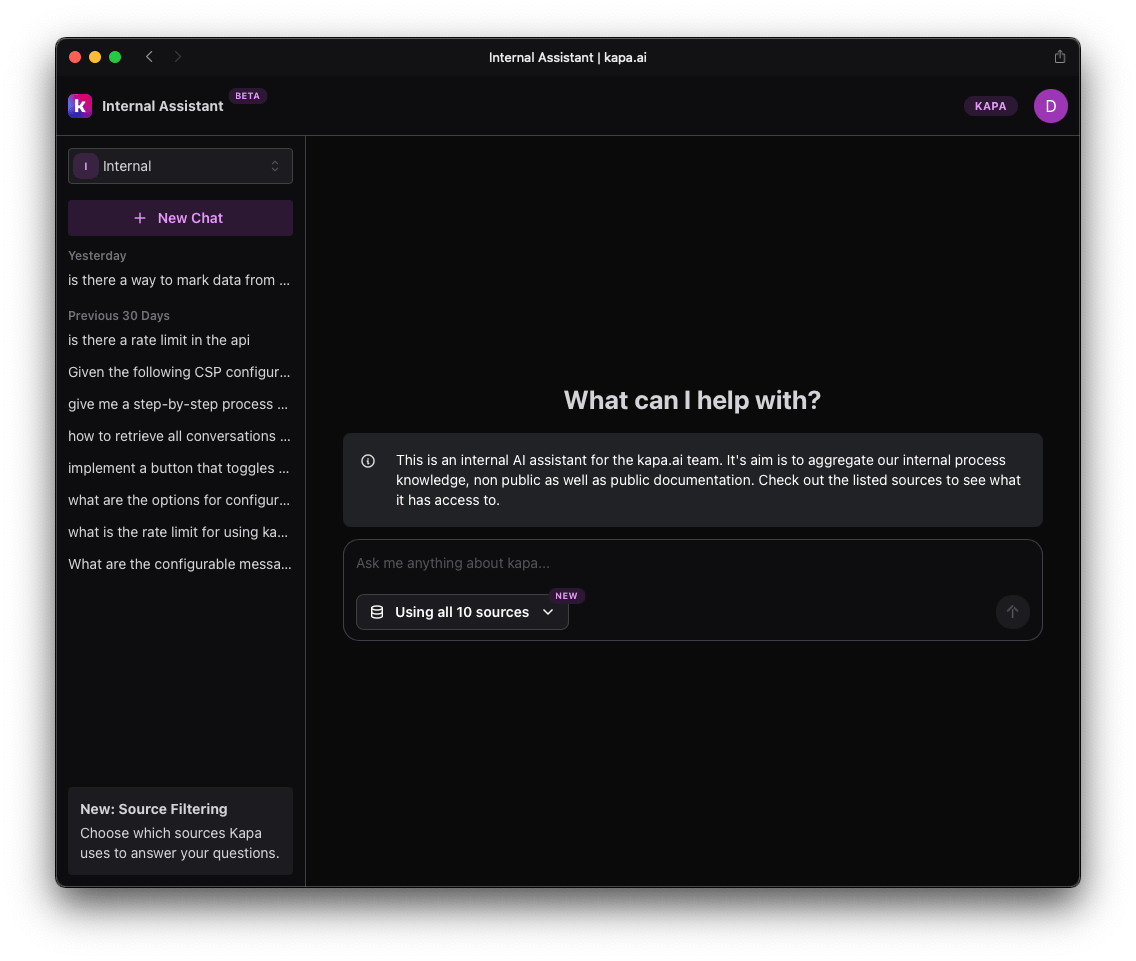
The Internal Technical Assistant can be installed as a web app that runs in a browser container: it looks and behaves like a standalone application, opens in a dedicated window, and sits in your dock, taskbar, or Start menu, but it is powered by your browser and requires an internet connection.
Chrome
- Navigate to chat.kapa.ai and sign in.
- Click the menu icon (three dots) in the top-right corner.
- Select Cast, Save, and Share > Install Page as App.
- Click Install in the confirmation dialog.
Safari
- Navigate to chat.kapa.ai and sign in.
- From the Safari menu, select File > Add to Dock.
- Click Add in the confirmation dialog.
Edge
- Navigate to chat.kapa.ai and sign in.
- Click the menu icon (three dots) in the top-right corner.
- Select Apps > Install this Site as an App.
- Click Install in the confirmation dialog.
Firefox
Firefox does not currently support installing websites as desktop applications. Bookmark the page or pin it to your browser toolbar for quicker access.