FAQ
The bot is not responding to any messages
If the bot does not respond, there could be several reasons:
-
Private Threads Permission: The "Create Private Threads" permission might be turned off for the role of our bot.
To adjust this setting:
- Navigate to Server Settings > Roles > Bot Role
- Scroll down to Permissions
- Ensure the Create Private Threads permission is enabled for the bot role.
-
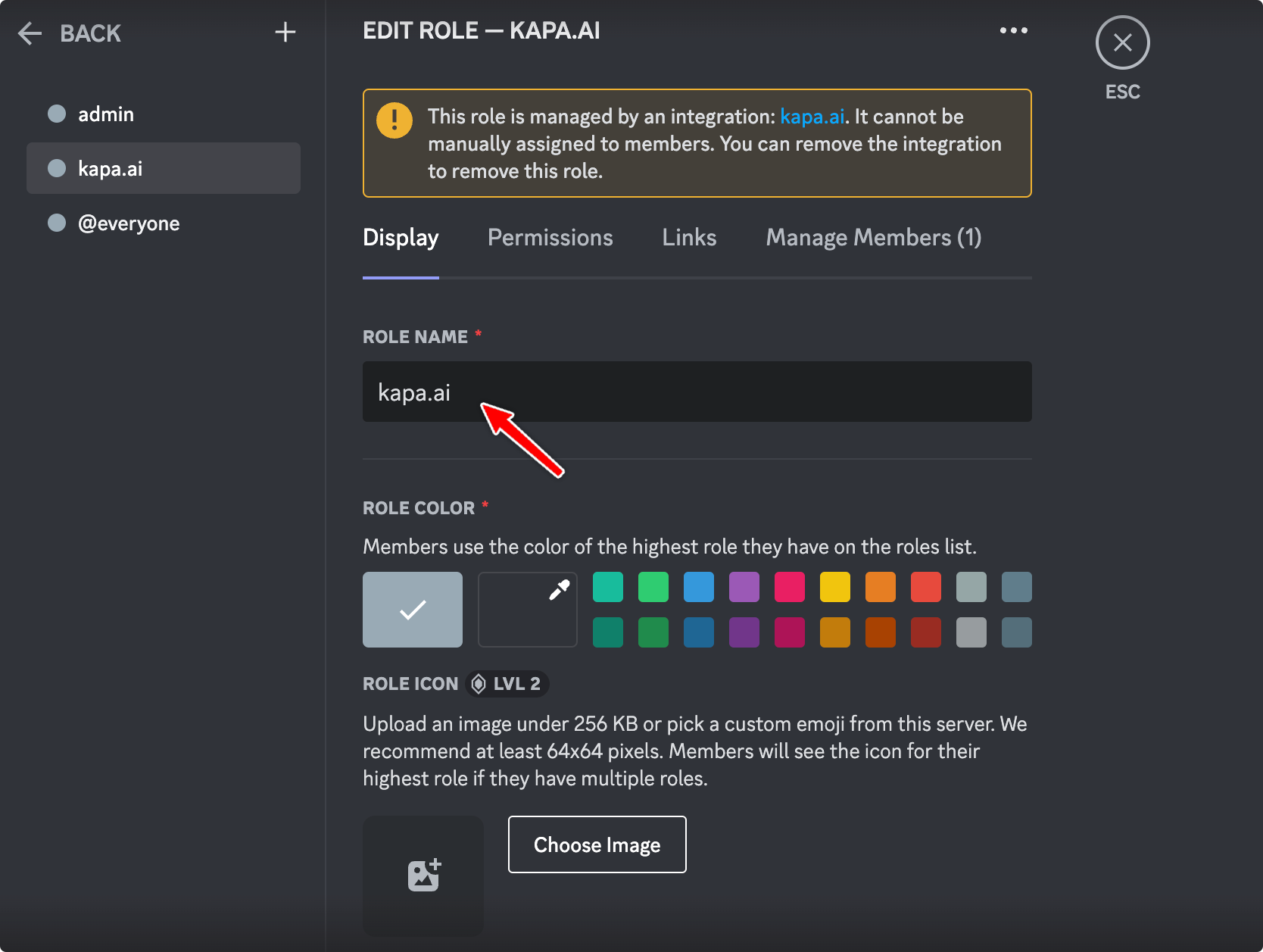
Role Name Conflict: In some cases, Discord might auto-create a role with the "kapa.ai" name, which gets mentioned instead of the actual bot. This can cause confusion and prevent the bot from responding.
To resolve this:
- Go to Server Settings > Roles
- Find the role named "kapa.ai"
- Rename this role from "kapa.ai" to "bot-help". By renaming the role, conflicts between mentioning a role and the bot should be eliminated.
- Private Channel: If deploying on a private channel, the Kapa bot will need to be invited to the channel before being able to respond to any questions.
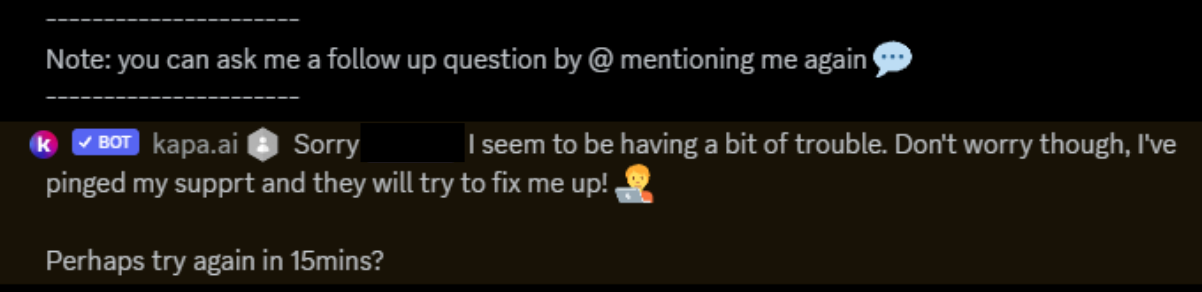
Kapa follows up with "Sorry, I seem to be having trouble"
If Kapa follows up with a message that says "Sorry, I seem to be having trouble", it might be due to the bot lacking the permission to post messages with embeds. This is often indicated by an error message like discord.errors.Forbidden: 403 Forbidden (error code: 50013): Missing Permissions.
To resolve this:
- Check if you have disabled the "Embed Links" permission.
- If it's disabled, enable the "Embed Links" permission for the bot role.