Configuration
This page covers the Discord Bot's choices and optional settings, beyond the required IDs covered in the Quickstart. The integration type is chosen when you create the integration; everything else can be changed at any time, under the collapsed Advanced configuration section of the integration form.
Integration type
You have two options for deploying Kapa in Discord:
- Discord (Single Channel): deploy Kapa to a specific channel in your Discord server. Ideal if you want Kapa active in one channel or need different configurations per channel.
- Discord (Global Server): deploy Kapa globally in your Discord server. Choose this if you want Kapa available across multiple channels using the same configuration.
Forum mode
The Enable forum auto-reply mode checkbox (off by default) controls whether Kapa auto-responds to all messages posted in a channel where it is deployed, without users having to tag the bot. Auto-reply applies to Discord channels of type "Forum"; in regular text channels, users must mention the bot for it to respond.
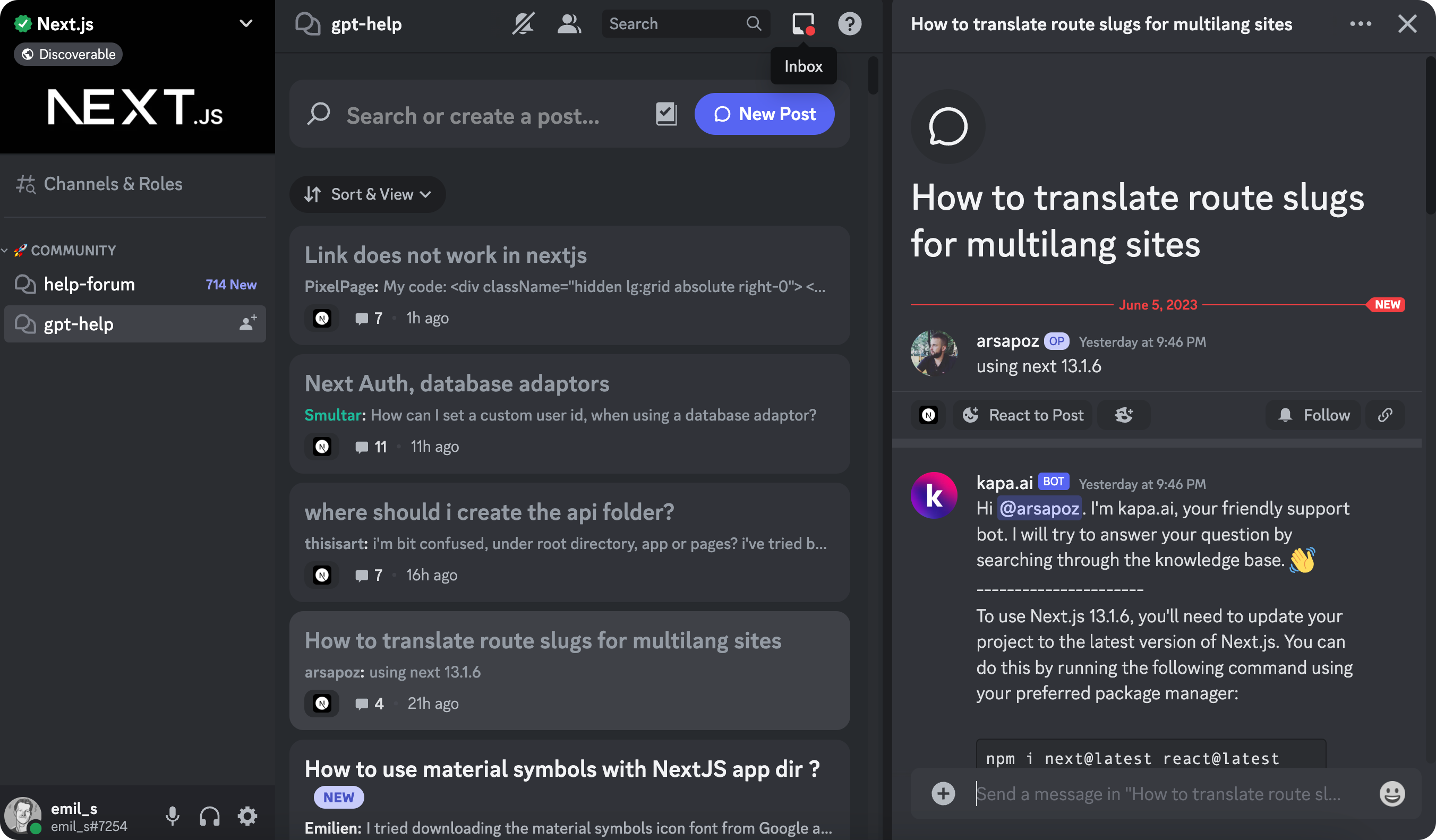
With the option unchecked, users tag Kapa to generate a reply:
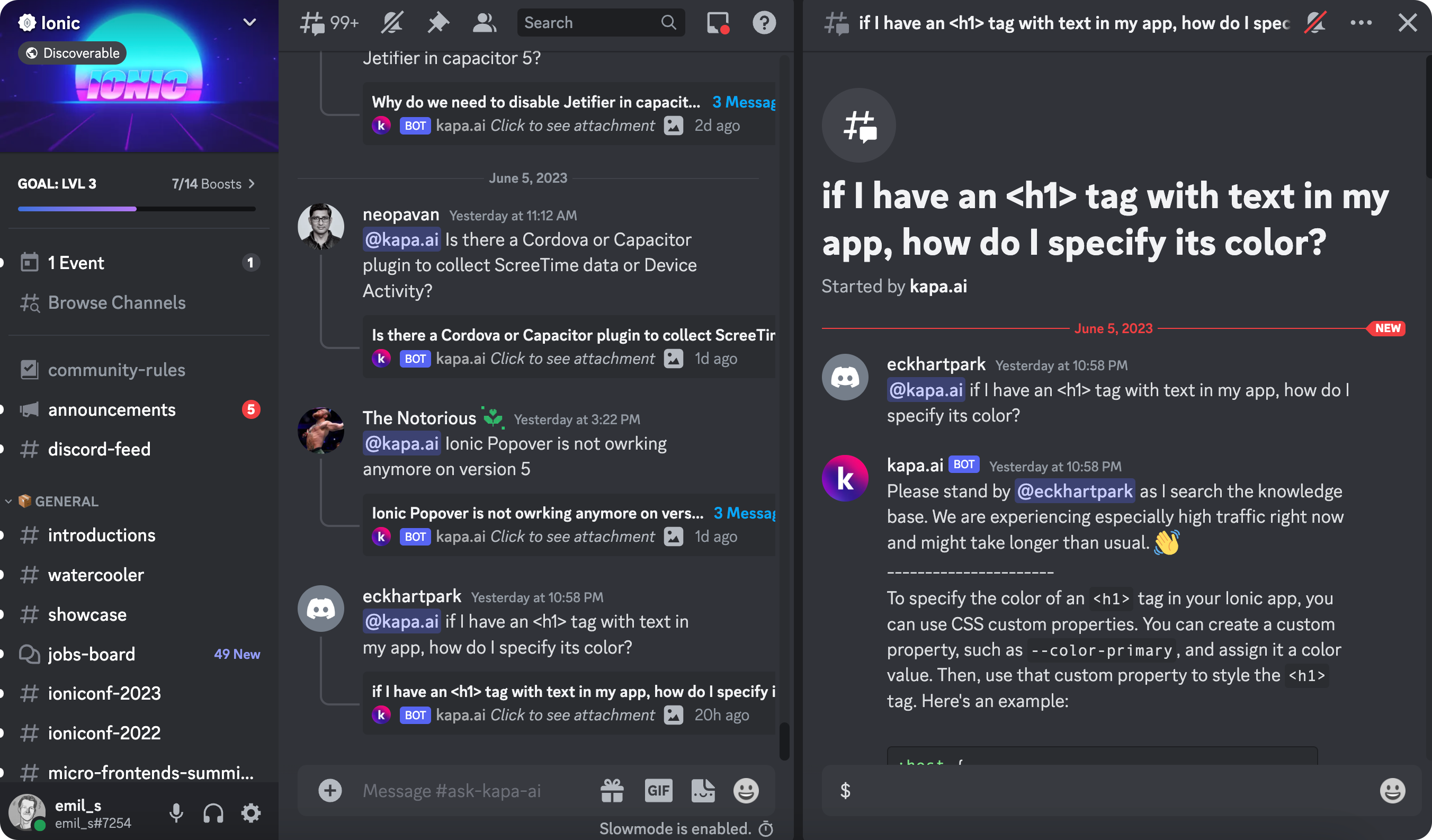
User tracking
The Track userID checkbox (on by default) tracks Discord users anonymously using an anonymized version of their user ID, so you can see usage patterns in Analytics.
Message customization
Every message the bot sends can be customized. Each text field offers a preview and a Formatting tips button explaining Discord markup.
- First reply: First reply text (shown before Kapa answers) and First reply text (forum mode).
- Conversation flow: Follow up reply text and Footer text (shown at the bottom of each response).
- PII error text is shown when personal identifiable information is detected in a question.
Using both integration types
You can use both integration types in the same server, for example a default configuration for all channels with specific settings for a single channel. Active Single Channel configurations override the server-level settings in their channels; the integration form warns about this when it detects them.