User satisfaction
When you deploy Kapa using the Website Widget, users are occasionally prompted to provide feedback on the Ask AI feature through two lightweight surveys:
- The satisfaction survey asks users to rate the answer quality on a scale of 1–5 and provide written feedback.
- The exit survey asks users whether they found their answer when they close the widget.
Satisfaction survey
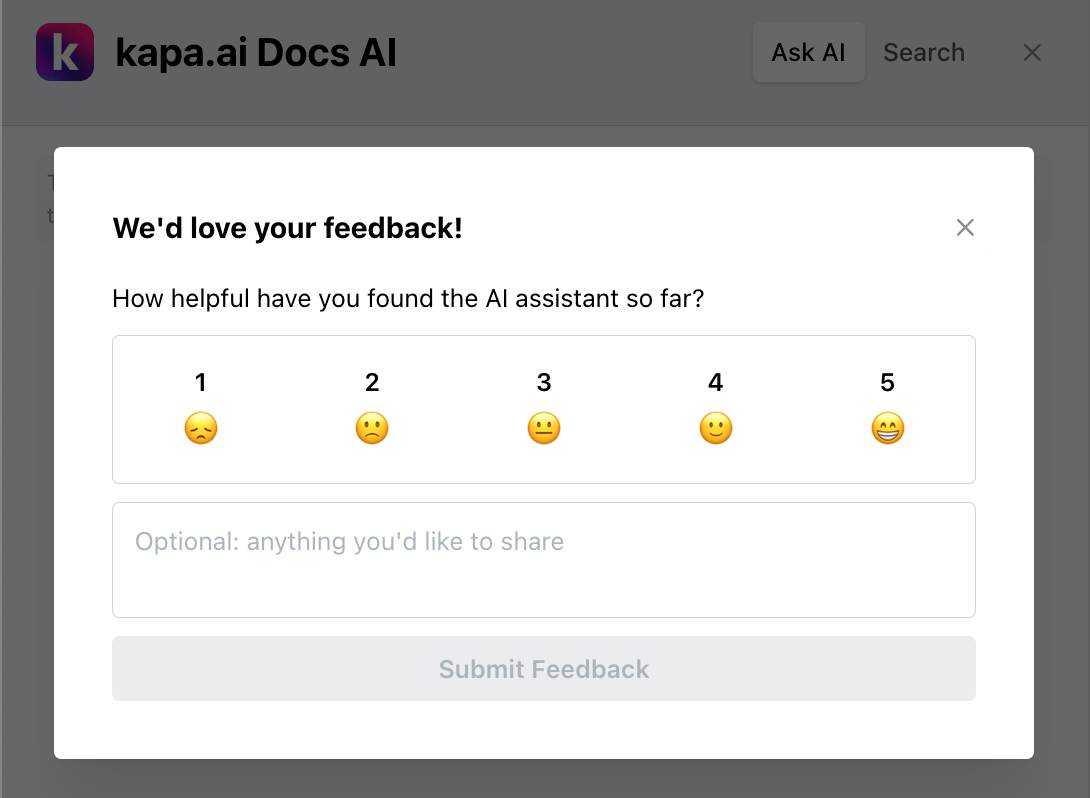
When is the survey shown to a user?
When a user asks a question, there's a 4% probability that they'll receive a satisfaction survey. Through the survey, the user can rate Kapa on a scale of 1–5, with an optional free-text comment.
When a user receives a satisfaction survey, they are marked as ineligible for receiving another survey for the next 30 days. This prevents the same user from repeatedly being prompted to provide feedback.
Viewing satisfaction analytics
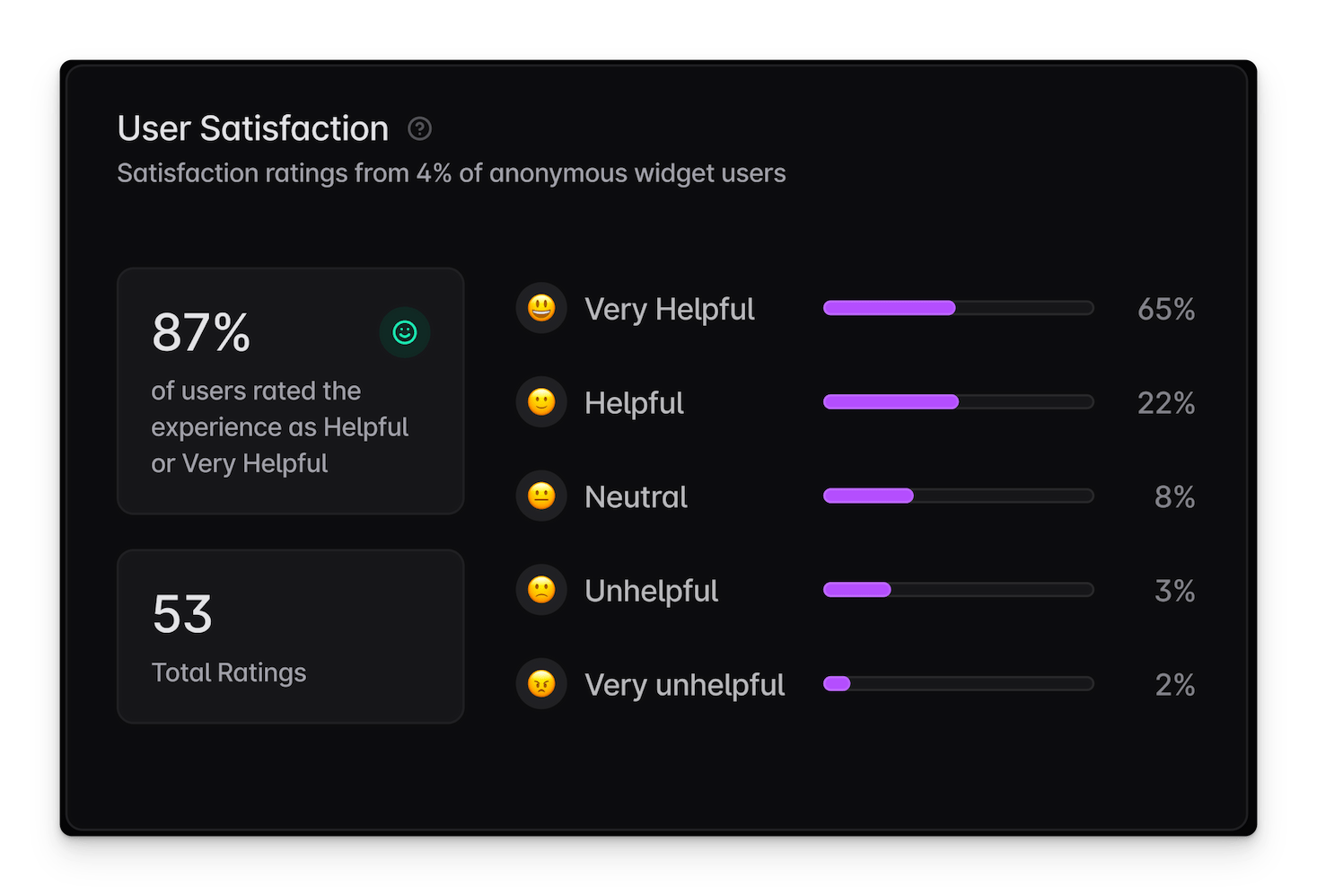
You can track user satisfaction scores using the Kapa platform. The score will display only if the project has received at least 10 ratings. Use the filtering options at the top of the Dashboards page to view feedback for a specific deployment or time period.
Disable survey
If you do not wish to collect user satisfaction metrics, set the
data-user-satisfaction-feedback-enabled configuration parameter to "false"
to disable the survey:
<script async
  src="https://widget.kapa.ai/kapa-widget.bundle.js"
  data-website-id="XXX-XXX-XXX"
  …
  data-user-satisfaction-feedback-enabled="false"
></script>
Exit survey
When a user closes the widget, they are occasionally shown a small prompt asking "Did you find your answer?". The user can answer with a thumbs up or down and optionally leave a free-text comment.
When is the exit survey shown to a user?
When a user closes the widget after receiving at least one answer, there's a 5% probability that they'll see the exit survey. The prompt disappears on its own after 15 seconds if the user does not interact with it.
Once a user has answered the exit survey, it is not shown again for that conversation, even if the user reopens the widget and continues asking questions.
Disable exit survey
If you do not wish to collect exit feedback, set the
data-exit-feedback-enabled configuration parameter to "false" to disable
the survey:
<script async
  src="https://widget.kapa.ai/kapa-widget.bundle.js"
  data-website-id="XXX-XXX-XXX"
  …
  data-exit-feedback-enabled="false"
></script>